Learning how to sell on Poshmark takes about an hour, and your first listing takes about ten minutes. This guide walks through every step for 2026: setting up your closet, choosing items that sell, taking photos, writing titles and descriptions, pricing around Poshmark's fees, handling offers, shipping with the prepaid label and cashing out. Every fee and rule below was checked against Poshmark's own help center in November 2026, including the new overweight-label rule that started in October.
How to sell on Poshmark: the short answer
To sell on Poshmark, download the app, create an account, tap Sell, add up to 16 photos, write an 80-character title and a detailed description, fill in category, brand and size, and set a price. When it sells, Poshmark emails you a prepaid USPS label, the buyer pays the shipping, and your money is released within 3 days of delivery.
Poshmark keeps a flat $2.95 on sales under $15 and 20% on sales of $15 or more. Listing is free and there is no monthly fee. Here are the numbers you need before your first listing, checked against Poshmark's help center in November 2026.
| Rule | What it is today |
|---|---|
| Listing fee | Free |
| Selling fee | $2.95 flat under $15; 20% at $15 and up |
| Shipping | $6.49 flat, paid by the buyer, USPS Ground Advantage |
| Weight covered by the label | Up to 5 lb (upgrades cost the seller $5 or $10) |
| Photos | Up to 16, plus 1 video of up to 15 seconds |
| Title | 80 characters max |
| When you get paid | Within 3 days of delivery |
| Cashing out | Direct deposit free; Instant Transfer $2 |
The rest of this guide walks through how to sell on Poshmark step by step, from an empty closet to money in your bank account, with links to our deeper guides where a single step deserves its own article.
Set up your Poshmark account and closet
Create your account
Download the Poshmark app (iOS or Android) or go to poshmark.com and sign up with your email, Google or Apple account. Pick your username carefully: it becomes your closet address, it shows on every listing, and buyers see it every time you share. A short, readable name (your first name plus a word about what you sell) beats a string of numbers.
One practical note for beginners: Poshmark requires you to have logged into the app recently before you can list on the web. Even if you plan to list from a laptop, install the app and sign in once first.
Make your closet look like a real shop
Buyers check closets before they buy from someone with no history. Open the Me tab, tap your closet, then your @username and Edit. Add a clear profile photo (Poshmark recommends 1000 x 1000 pixels), your location, and a one-line bio that says what you sell and how fast you ship, for example "Women's denim and activewear. Ships next day."
Two more setup jobs save trouble later. First, add your payout details and make sure the name on your bank, PayPal or Venmo account matches the legal name or business on your Poshmark account; Poshmark says mismatched names can hold up a redemption. Second, follow a handful of closets and brands in your niche. Your feed fills with what sells, and some of those sellers will follow you back.
Choose items that sell (and skip what is banned)
Poshmark is a fashion marketplace first. Its help center lists women's, men's and kids' clothing, shoes and accessories, new personal care products, and select home, pet and electronics items as the supported categories. Start with clothing you already own or can source cheaply.
What sells best is clothing from brands buyers already search for by name. Poshmark's own consignment guidelines point to well-known brands with strong resale value such as Coach, Nike and Lululemon, and in practice mall and premium labels like Madewell, Free People, Patagonia and Kate Spade move steadily too. Good condition matters more than rarity: clean, unstained items with tags or obvious quality sell; pilled fast fashion usually does not. If you sell bags, our designer handbag resale guide for Poshmark covers which styles hold value.
Know the banned list before you source. Poshmark removes listings for replicas, used makeup and skincare, used underwear, furniture and appliances, nail polish, aerosols, health and wellness products, and anything described as "inspired by" a brand. Makeup and liquids must be new and sealed, and fragrances must be new with tags and shipped with hazmat labels.
How to list on Poshmark step by step
Tap Sell at the bottom of the app (or Create Listing on the web). You will add photos first, then fill in the listing details. Poshmark also offers Smart List AI, which drafts a title and description from your photos; it is a good start, and our comparison of Poshmark Smart List AI versus a cross-marketplace tool explains where it falls short.
Take photos that earn the tap
You can add up to 16 photos per listing, and Poshmark recommends a square 1000 x 1000 pixel size. The first photo is your cover shot: it is the thumbnail in search, in parties and in your followers' feeds, so it decides whether anyone opens the listing.
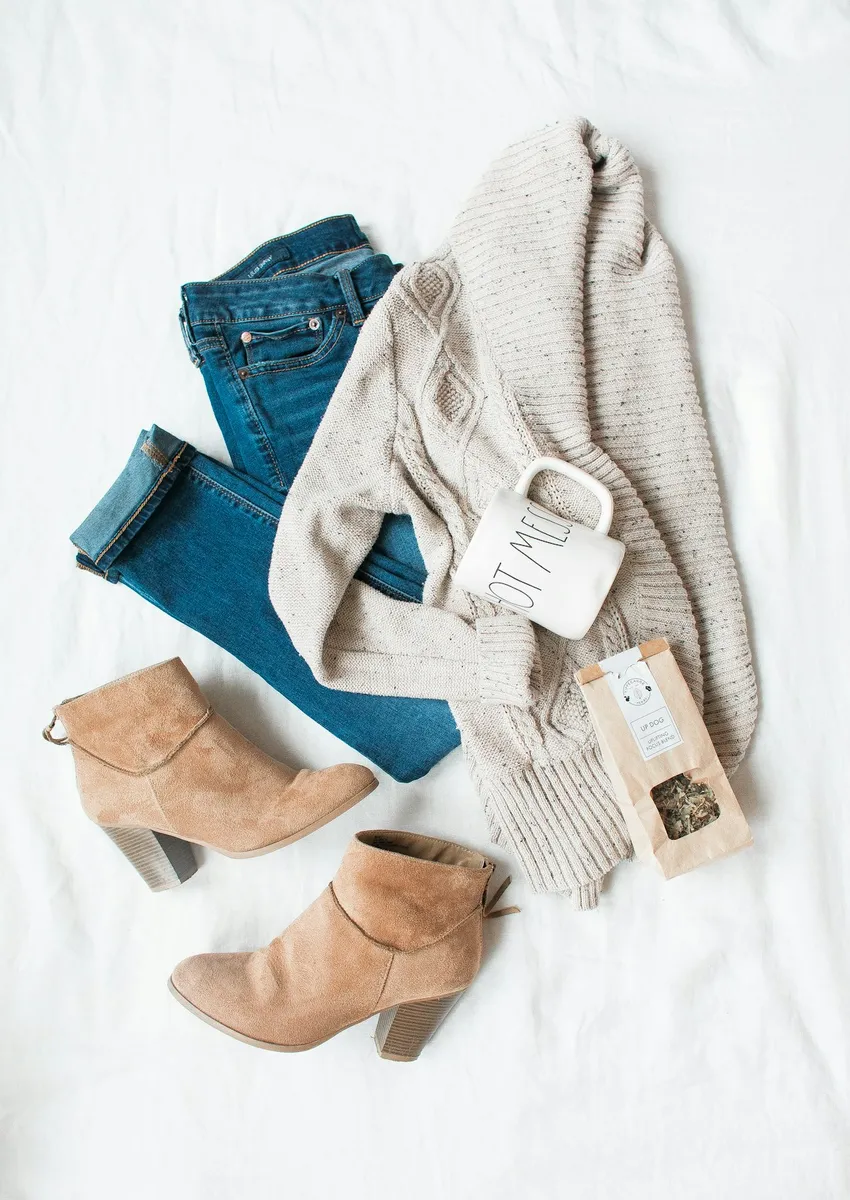
- Cover shot: the whole item, front facing, on a plain light background or modeled. Fill the square; no tiny item in a big empty room.
- Next photos: back, brand tag, size tag, fabric content tag, close-ups of texture or hardware, and a flat-lay with a measuring tape if fit matters.
- Flaws: photograph every stain, pull or scuff. Poshmark itself recommends this, and it is your best defense if a buyer later opens a "not as described" case.
- Video: you can add 1 video of up to 15 seconds. The first time you add one, it also appears in your Story for 48 hours.
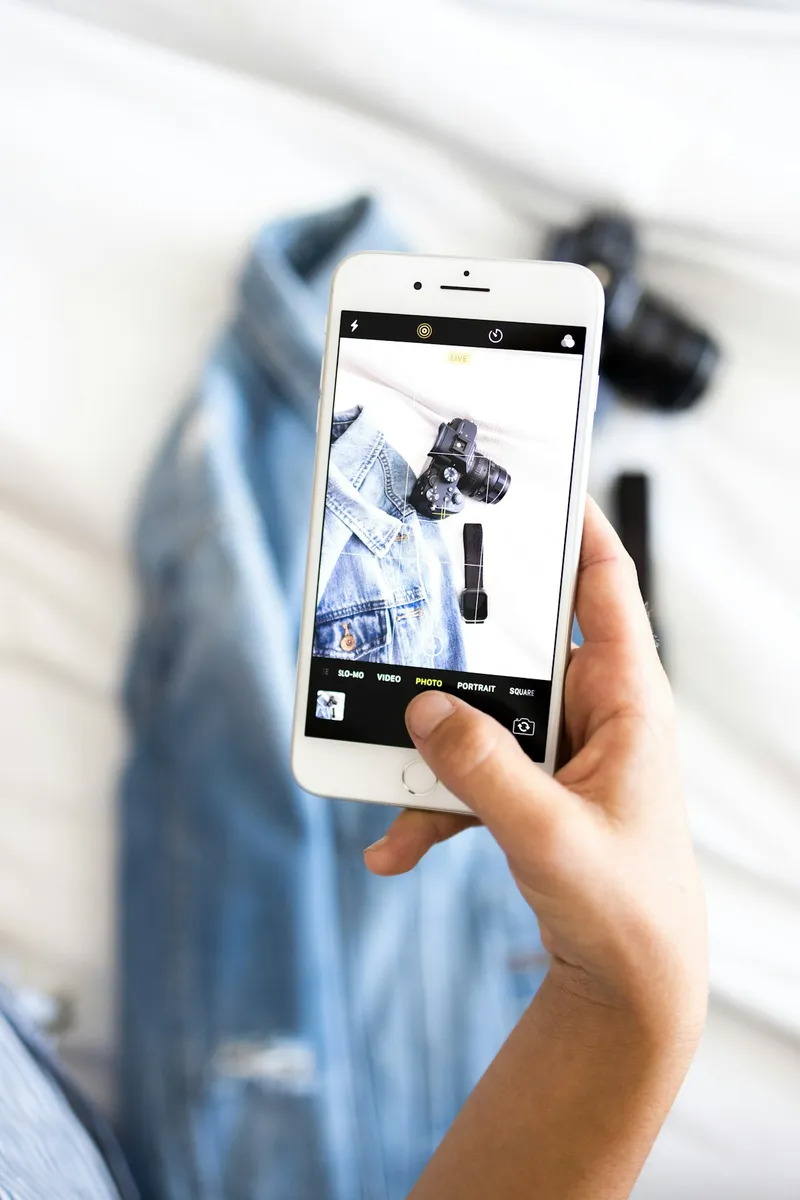
Daylight from a window beats overhead lighting every time. For a full phone setup, read how to photograph clothes to sell online, and for the thumbnail specifically, the cover photo formula that gets more clicks.
Write an 80-character title buyers actually search
Poshmark caps titles at 80 characters and tells sellers to include the brand, style name, category, size and color. Search matches the words buyers type, so lead with brand and item type and spend the rest on the details people filter by.
Cute black leggings, barely worn
Strong title:
Lululemon Align High Rise Legging 25 Inch Black Size 6
That is the short version. Our 5-part Poshmark title formula covers word order, what to cut when you run out of characters, and worked examples by category.
Write a description that answers every question
Poshmark recommends including condition, measurements, date codes, fabric content and other keywords. A good description answers what a buyer would otherwise message you about, so they can buy without asking.
Lululemon Align high rise legging in black, 25 inch inseam, size 6. Buttery Nulu fabric, no pilling, no fading. Worn a few times, washed cold and hung dry.
Waist laid flat: 12.5 in. Inseam: 25 in. Rise: 10 in.
Smoke-free home. Ships next business day.
Keywords: yoga pant, workout legging, athleisure, black legging
For a fill-in-the-blanks skeleton with examples for dresses, denim and shoes, use our Poshmark description template. If you list a lot, the Poshmark AI listing generator writes the title, description and keywords from a few words or a photo and fills them into the Poshmark form for you, which turns the slowest part of listing into a few seconds.
Fill in brand, size, category and the other fields
The fields are not paperwork. They are the filters buyers use, and a listing missing a field simply does not show up when that filter is on.
- Category and subcategory: pick the most specific option (Women, Pants and Jumpsuits, Leggings), not a broad one.
- Size: use Poshmark's standard size options rather than a custom size. Poshmark notes that standard sizes are what show up when buyers turn on the My Size filter. International sizes are under the flag icon.
- Brand: choose the brand from the list so you appear in brand searches and brand pages.
- Condition: mark New With Tags only if the original tags are attached.
- Color and style tags: add the main color and a few style words buyers browse by.
- Original price: the retail price. If you do not know it, Poshmark says a best estimate or $0 is fine.
- Quantity: Single for one item or a lot sold together; Multiple if you have several of the same item in different sizes or colors.
Two time savers: Copy Listing on the edit page clones an existing listing for a similar item, and the Draft tool lets you shoot photos now and finish the text later.
Poshmark fees, pricing and offers
Price with fees and offers in mind
Poshmark's US fee is simple: a flat $2.95 on sales under $15, and 20% on sales of $15 or more. That fee already includes payment processing, and the buyer pays shipping on top, so the fee is taken from your sale price only.
| Sale price | Poshmark fee | You keep |
|---|---|---|
| $10 | $2.95 | $7.05 |
| $14 | $2.95 | $11.05 |
| $15 | $3.00 | $12.00 |
| $25 | $5.00 | $20.00 |
| $40 | $8.00 | $32.00 |
| $100 | $20.00 | $80.00 |
The flat fee hurts most on cheap items: a $10 sale loses nearly 30% to fees. That is why many sellers bundle low-value pieces into lots or list them elsewhere. If you are deciding between apps, Depop vs Poshmark fees runs the take-home side by side.
Texas sellers: since October 1, 2025, Poshmark deducts a Texas Seller Fee Tax from sellers with a Texas return address. It is charged on 80% of Poshmark's fee at your state plus local rate, so on a $100 sale at 8.25% it is about $1.32.
How to set your price
Search the item, then filter to Sold listings. What similar items actually sold for is your real market price; asking prices on active listings are only wishes. Poshmark's Suggested Price tool on the listing screen uses the same history. Then add room to negotiate, because almost every buyer will make an offer. Poshmark says nearly 70% of its orders are preceded by an offer negotiation.
A simple rule for beginners: list 20% to 30% above the lowest price you would accept. If an item sold for $36 recently, list at $45 and accept anything from $36 up. Our pricing playbook for resellers goes deeper on comps and markdowns.
Offers, Offer to Likers and Smart Sell
Buyers can send you an offer on any listing, and you can accept, decline or counter. When someone likes your listing, you can also send every liker a private discount with Offer to Likers: open the listing, tap Offer/Price Drop, then Offer to Likers. The offer must be at least 10% below the listing price (or below the lowest offer that buyer saw in the last 90 days), it can include an optional shipping discount, and likers have 24 hours to accept. For the math on when and how deep to discount, see Poshmark Offers to Likers pricing.
If you would rather not negotiate by hand, turn on Smart Sell (labeled Automate Offers) on the price screen. You set a lowest price, and Poshmark sends, counters and accepts offers for you without going below it. It does not handle bundle offers yet.
Bundles are the other lever. A buyer who adds several of your items to a bundle pays one $6.49 shipping fee, and you can set an automatic bundle discount to push them to add a second item. Poshmark bundle discounts covers which thresholds work.
Sharing and Posh Parties
Share your listings so buyers see them
Sharing pushes your listing into your followers' feeds and back toward the top of your closet. Tap the share icon on any listing to share it to your followers, to a Posh Party, or to other apps. Sharing other sellers' listings brings follows and shares back to you.
Posh Parties are themed virtual events held 4 times a day, 7 days a week. While a party is live, you can share listings that fit the theme into the party feed, where shoppers browse that theme. Find them under Me, then Posh Parties, or watch your news feed for invites.
Keep sharing simple at first: share your whole closet once in the morning and once in the evening, and share matching items to one or two parties a day. Our manual sharing routine gives you a 20-minute daily plan, and the Posh Parties strategy guide explains how to pick the right parties. Sharing helps, but it does not rescue a weak listing; how the Poshmark algorithm works in 2026 explains why titles, fields and photos matter more.
How Poshmark shipping works
Ship with the prepaid label within 2 days
When an item sells, Poshmark emails you a prepaid, pre-addressed USPS label as a PDF. Print it, or generate a QR code from the order page and have the post office print it for you. The buyer pays a flat $6.49 for shipping, and orders travel by USPS Ground Advantage, which USPS estimates at 2 to 5 business days.
- Ship fast. Poshmark says most sellers ship within 2 days. If you cannot ship within 2 to 3 days, request a new label. Poshmark may cancel any order still unshipped on the 14th day, and repeated late shipping or cancellations can lead to account restrictions.
- Use Poshmark's label. Its tracking is how Poshmark knows the order arrived. With your own label, earnings can be delayed and lost packages are not reimbursed.
- Any plain box works. Use a USPS Ground Advantage box or any non-branded box or mailer from home. Poly mailers vs boxes helps you choose.
- Weigh anything heavy. The standard label covers up to 5 lb, including bundles. Heavier packages need an upgraded label from the order page, paid by you.
| Package weight | Label upgrade fee (seller pays) |
|---|---|
| Up to 5 lb | Free |
| 5.01 to 10 lb | $5.00 |
| 10.01 to 15 lb | $10.00 |
New in October 2026: as of October 26, 2026, if a package over 5 lb ships without an upgraded label, Poshmark deducts the extra postage from your earnings. Weigh boots, coats and bundles before you drop them off, and upgrade first.
Want to make an item more attractive? You can add a discounted shipping option to a listing, choosing the discount from a short menu in the app. Whatever you choose is deducted from your earnings, so build it into your price. Bundles over 15 lb can also be split into two boxes with an additional label, for a separate fee.
How you get paid on Poshmark
Get your money out
Once the package is delivered, the buyer has 3 days to accept the order or report a problem. When they accept, or after 3 days if they do nothing, the sale is complete and your earnings move to your redeemable balance. You can then spend it on Poshmark or cash out.
| Payout option | Cost | Typical time |
|---|---|---|
| Direct deposit to bank | Free | 2 to 3 business days |
| Instant Transfer to bank | $2 | 30 minutes or less |
| PayPal | $0.35 | 30 minutes or less |
| Venmo | $0.35 | 30 minutes or less |
| Check by mail | Free | About 2 weeks |
If a buyer reports the item is not as described within those 3 days, Poshmark reviews the case and your payment waits until it is resolved. Honest photos and descriptions are what keep this rare; if it happens, read how to handle a Poshmark return request.
Selling designer items? Select luxury items that sell for $500 or more go through Posh Authenticate: you ship to Poshmark's authentication facility instead of the buyer, at no cost, and it adds about 1 to 3 business days before the buyer receives it.
How to sell on Poshmark in 2026: what is new
If you read an older guide on how to sell on Poshmark, a few things have changed. Here is what is current for 2026:
- Shipping is $6.49 by USPS Ground Advantage. Older guides quote a higher Priority Mail rate. That is out of date.
- Overweight packages cost you automatically. Since October 26, 2026, extra postage on unupgraded packages over 5 lb comes out of your earnings.
- Smart List AI is in the app for everyone. It drafts a title and description from your photos; you still need to check sizes, brand and condition.
- Smart Sell automates offers. Set a floor price and Poshmark negotiates for you on single listings.
- Texas sellers pay a tax on fees. It started October 1, 2025.
- The selling fee has not changed. It is still $2.95 under $15 and 20% at $15 and up.
Poshmark tips: how to sell on Poshmark fast
Once your first listings are live, these Poshmark tips do the most to speed up sales:
- List a little every day. Fresh listings tend to get the most attention. Five listings a day for a week beats 35 on a Sunday.
- Price from sold comps, then leave room. Most buyers make an offer, so list 20% to 30% above your floor.
- Send Offer to Likers within a day. A like is a buyer telling you they are interested. A 10% to 15% offer with a small shipping discount often closes it.
- Turn on Smart Sell for items you do not want to babysit. Set a floor and let it counter overnight.
- Fix the cover shot first. If a listing gets views but no likes, the photo or price is the problem. If it gets no views, the title and fields are.
- Share at least twice a day. Morning and evening closet shares plus one party keep you in feeds.
- Ship within a day. Fast shipping earns better ratings, and good ratings make buyers trust a new closet.
- Refresh stale listings. After 30 to 60 days with no likes, retake the cover photo, rewrite the title, or send likers a new offer. How to optimize your Poshmark closet shows what to change first.
- Put the same items on other apps. A buyer for your jacket may not shop on Poshmark at all. How to crosslist from Poshmark covers listing on eBay, Mercari, Depop and Vinted without selling anything twice.
How to sell on Poshmark for beginners: your first week
Whether you are clearing your own closet or testing whether reselling is worth it, keep the first week small and steady:
- Day 1: set up your account, profile photo, bio and payout details. List 3 items from your own closet.
- Days 2 to 5: list 3 to 5 items a day. Share your closet morning and evening and join one party.
- Day 6: send Offer to Likers on everything with a like.
- Day 7: look at which listings got views and which did not, and fix titles and cover shots on the quiet ones.
The step that slows most beginners down is writing. Photos take a minute; a good title, description and keyword line can take ten. The Quicklist AI Poshmark listing generator is a Chrome extension that writes all three from a few words or a photo, tuned to Poshmark's 80-character title, and fills them into the listing form. It does not share, send offers or crosslist for you; it handles the writing. You get 2 free listings with no card, and paid plans start at $2.99 a month. If you plan to sell on more than one app, our guide to starting a clothing resale business in 2026 is the next read.
Frequently asked questions
How do I sell on Poshmark for beginners?
Download the app, create an account and set up your closet with a photo and bio. Tap Sell, add up to 16 photos, write an 80-character title and a detailed description, fill in category, brand and size, and set a price. When it sells, ship with Poshmark's prepaid label within 2 days, and your money is released within 3 days of delivery.
How much does Poshmark take from a sale?
Poshmark keeps a flat $2.95 on sales under $15 and 20% on sales of $15 or more. On a $40 sale you keep $32. There is no listing fee or monthly fee, and the buyer pays the $6.49 shipping. Sellers in Texas also have a small Texas Seller Fee Tax deducted.
Who pays for shipping on Poshmark?
The buyer pays a flat $6.49 for USPS Ground Advantage, covering packages up to 5 lb, including bundles. You pay only if you offer a shipping discount or your package is overweight: $5 to upgrade for 5.01 to 10 lb and $10 for 10.01 to 15 lb.
How long does it take to get paid on Poshmark?
Your earnings are released within 3 days of delivery, as soon as the buyer accepts the order or automatically after 3 days. Direct deposit is free and takes 2 to 3 business days. Instant Transfer costs $2 and usually arrives in 30 minutes or less.
How can I sell on Poshmark fast?
Price from sold listings and leave 20% to 30% room for offers, send Offer to Likers to anyone who likes an item, share your closet twice a day, and ship within a day. A clear cover shot and a title with brand, item type, size and color matter more than anything else.
How many photos can you put on a Poshmark listing?
Up to 16 photos per listing, plus 1 video of up to 15 seconds. Poshmark recommends square photos at 1000 x 1000 pixels. The first photo is your cover shot, which shows in search, so make it the whole item on a clean background.
Is it worth selling on Poshmark in 2026?
For clothing, shoes and bags from known brands, yes. Shipping is simple and buyer-paid, and payouts are quick. The 20% fee is higher than some apps, and the $2.95 flat fee makes items under $15 hard to profit on, so many sellers also crosslist to other marketplaces.