
Posh Parties are one of the few free visibility boosts Poshmark still hands you on a schedule. Three or four times a day, themed virtual parties fill a dedicated feed with relevant listings. If your items are eligible and you show up at the right moment, real buyers are browsing. This guide covers exactly what parties are, how to match your items to the right one, how to share effectively without burning your evening, and why the listing itself is the make-or-break factor.
What Posh Parties Are (and What They Are Not)
A Posh Party is a time-limited, themed shopping event hosted inside the Poshmark app. Each party runs for roughly two hours and is organized around a theme: a brand (Lululemon, Nike), a category (Cozy Styles, Denim Obsessed), or a seasonal moment (Summer Refresh, Back to School).
During a party, a curated feed surfaces listings that match the theme. Buyers browsing the party see items they would not normally encounter in a keyword search. That is the upside: passive discovery from shoppers actively in a buying mood.
What parties are not: they do not automatically boost your rank in general Poshmark search. They do not guarantee a sale. They do not replace strong titles, accurate descriptions, or fair pricing. Think of a party as a window display. It gets eyes in the door, but the listing still has to close.
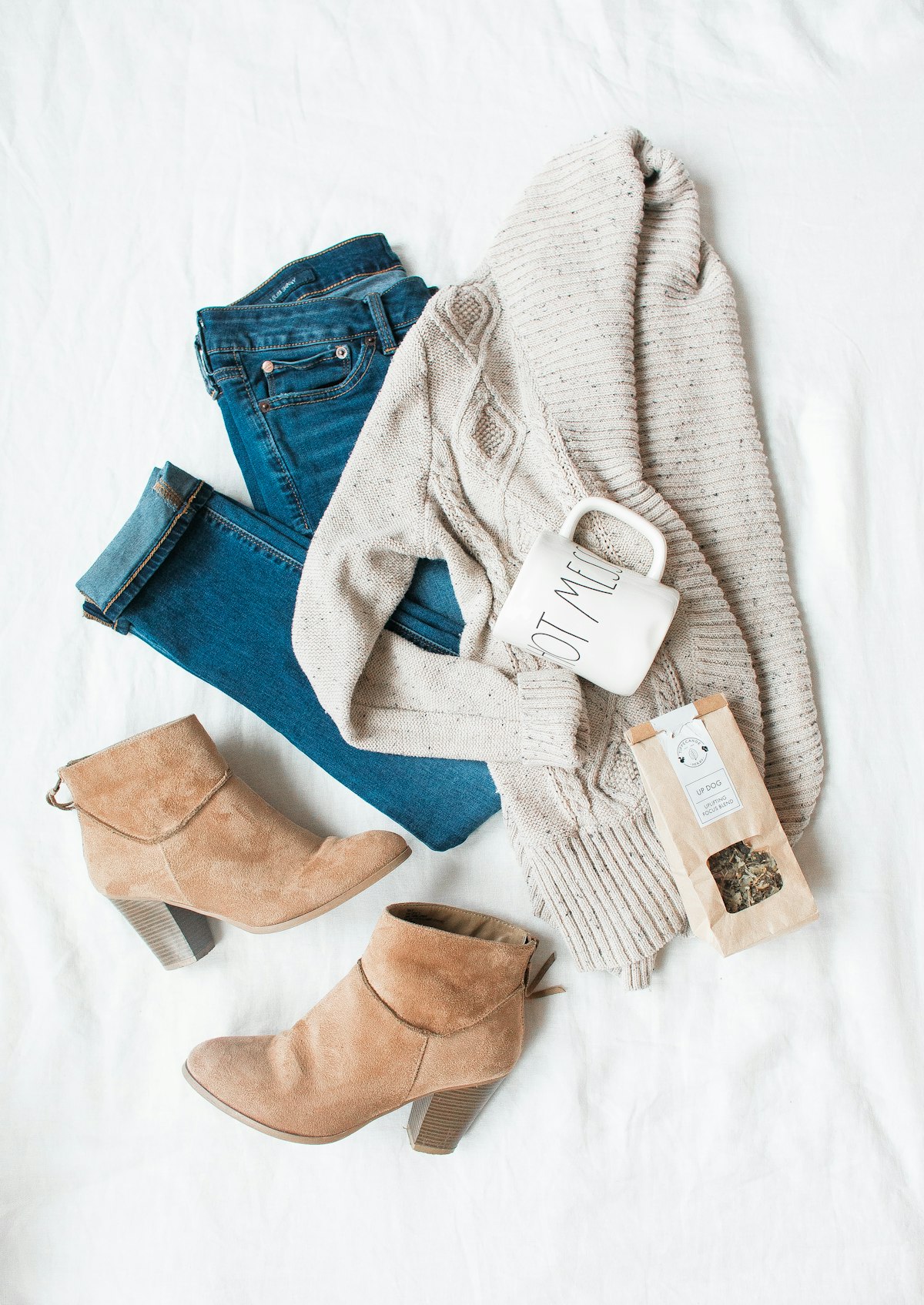
How to Find the Right Party for Your Items
The Poshmark home feed shows upcoming and active parties at the top. Tap any party to see the theme and, critically, the eligibility requirements. Before you share anything, read the theme description carefully.
Matching to the right party matters more than sharing volume. Sharing a Nike hoodie to a "Vintage Treasures" party will not make the curated feed. It will just evaporate. Poshmark’s hosts review and curate a selection of shared items to feature. A well-matched, well-titled listing has a real shot at being picked. A mismatched one does not.
How to evaluate a party for your closet:
- Brand parties are the most specific. If you have that brand in stock, this is your highest-value share opportunity.
- Category parties (Denim, Activewear, Cozy Styles) are broader and work well for sellers with mixed inventory.
- Seasonal or lifestyle themes (Spring Refresh, Date Night Looks) require a bit more judgment. Ask: would a buyer shopping this theme actually want this item?
Check the schedule a day ahead. Poshmark typically posts the next day’s party lineup the evening before, visible on the "For You" or "Parties" tab. A quick scan lets you plan which items to photograph, relist, or price-adjust before the party opens.
Understanding how the Poshmark algorithm works in 2026 is useful context here. Recency and relevance both factor into what the algorithm surfaces, and parties are one of the few places where manual sharing directly moves the needle.
How to Share to Parties Effectively
Sharing to a party is simple in the app: open the party feed, find your listing (or go to your closet and tap Share, then choose the active party), and confirm. The mechanics are not the hard part. The strategy is.
Share at the start of the party, not in the middle. The curated feed fills up fast. Party hosts often pull from early shares when they build the featured section. If you share in the last 30 minutes, you are competing with everyone who had the same idea.
Share your strongest listings first. Your best-priced, best-photographed, most on-theme items should go in first. If you only have time to share five things, make those five count rather than blasting your entire closet.
Do not share the same listing repeatedly within one party. It does not help, and Poshmark’s spam detection can suppress accounts that over-share. One share per listing per party is enough.
Limit yourself to items that genuinely fit the theme. If the party is "Streetwear Stars" and you have 80 listings but only 6 are streetwear, share those 6 well rather than sharing all 80 loosely. Quality of match beats quantity every time.
For a deeper look at building a consistent daily sharing practice, see the guide on a manual sharing routine for Poshmark that actually works.
Timing: When the Best Parties Happen
Poshmark runs parties throughout the day, but the audience size varies. Early morning parties (around 9 AM ET) tend to attract casual browsers. Evening parties, typically 7 PM and 9 PM ET, pull the largest audiences because that is when most buyers are scrolling after work.
If you can only be active for one party per day, the evening slots are where to put your energy. Weekend afternoon parties also perform well, particularly for lifestyle and seasonal themes.
One practical move: set a phone reminder 10 minutes before a party you have pre-identified as relevant. That gives you enough time to open the app, pull up your best-matched items, and share before the rush.
Time zones matter too. Poshmark’s user base skews toward the US coasts, so ET evening parties draw well even if you are on the West Coast.
Why Your Listing Quality Determines Party Results
Here is the part most guides skip: party sharing amplifies what is already there. A listing with a vague title, no measurements, and one dark photo will get seen by more eyes during a party and still not sell. The party did its job. The listing did not.
Party-eligible listings need:
- A title that names the brand, item type, color, and size. Not "Blue Shirt" but something like "Patagonia Better Sweater Fleece Jacket Navy Blue Size M."
- A description with enough detail that a buyer can commit without asking questions.
- A price that is competitive. Party browsers compare quickly. If your $45 hoodie is next to a similar one for $28, the party is doing you no favors.
- Clean, bright photos. The party feed is a grid. A dark or cluttered cover image gets scrolled past.
The 5-part Poshmark title formula that ranks in search is worth reading before you build out your party-ready inventory. A title structured for search also tends to read clearly in a party feed, so those goals align.
Writing thorough titles and descriptions for every listing is where most sellers hit a wall on time. That is exactly what the Poshmark AI listing generator is built for: you describe the item, the extension writes the full title, description, and tags, then fills them into the Poshmark form for you. Your listings are ready to share before the next party opens.
Turning Party Traffic Into Sales
A party share that generates likes is a warm lead. Buyers who like your listing during a party are signaling real interest. Follow up by sending them an offer to likers, a small discount (10 to 20 percent) delivered privately to everyone who liked the item. This is one of the highest-converting actions on Poshmark and pairs naturally with party traffic.
If a buyer engages with one item, look at whether bundling helps. Poshmark’s bundle feature lets buyers combine items from your closet into one shipment. Setting up Poshmark bundle discounts gives party browsers a reason to explore your full closet rather than clicking away after one item.
The sequence works: a strong party share drives likes, likes give you an audience for offers, offers close the sale, and bundle discounts increase your average order value. Each step is manual and deliberate. Not automated, not instant, but reliable when the underlying listing quality is there.
Write Party-Eligible Poshmark Listings Faster
QuickListAI is a Chrome extension that writes SEO-optimized Poshmark titles and descriptions for you, filling in every field automatically so your listings are ready to share before the next party starts. 2 free listings, no credit card required.
Add to Chrome, FreeFrequently asked questions
There is no set limit, but focus on quality over quantity. Share every listing that genuinely fits the party theme, even if that is only 3 to 5 items. Sharing loosely matched listings to hit a higher number does not improve your chances of being featured.
Not directly. Party shares give you visibility inside the party feed for that session. The lasting ranking benefit comes from the recency signal when you share to your followers, which is a separate action. Think of party sharing as a short burst of theme-targeted exposure, not a permanent SEO boost.
Open the Poshmark app and tap the party banner at the top of the feed, or check the "Parties" section. Poshmark typically announces the next day’s schedule the evening before, so you can plan which items to prep or relist ahead of time.
Yes. Poshmark’s party hosts manually select a rotating set of listings to feature in the curated section at the top of the party feed. To improve your chances: share early, match the theme closely, and have strong photos and a complete title. There is no guarantee of being picked, but those factors meaningfully increase your odds.
No. Any Poshmark seller account can share to parties. There is no follower minimum, no subscription required, and no application process. Open the app when a party is live and share eligible listings.
Poshmark’s eligibility is based on category and brand matching the party theme. The system flags listings automatically when they fit. The manual curation layer (being featured) is separate and based on human host judgment. If your listing does not show up as shareable to a specific party, it likely does not match the theme category.