
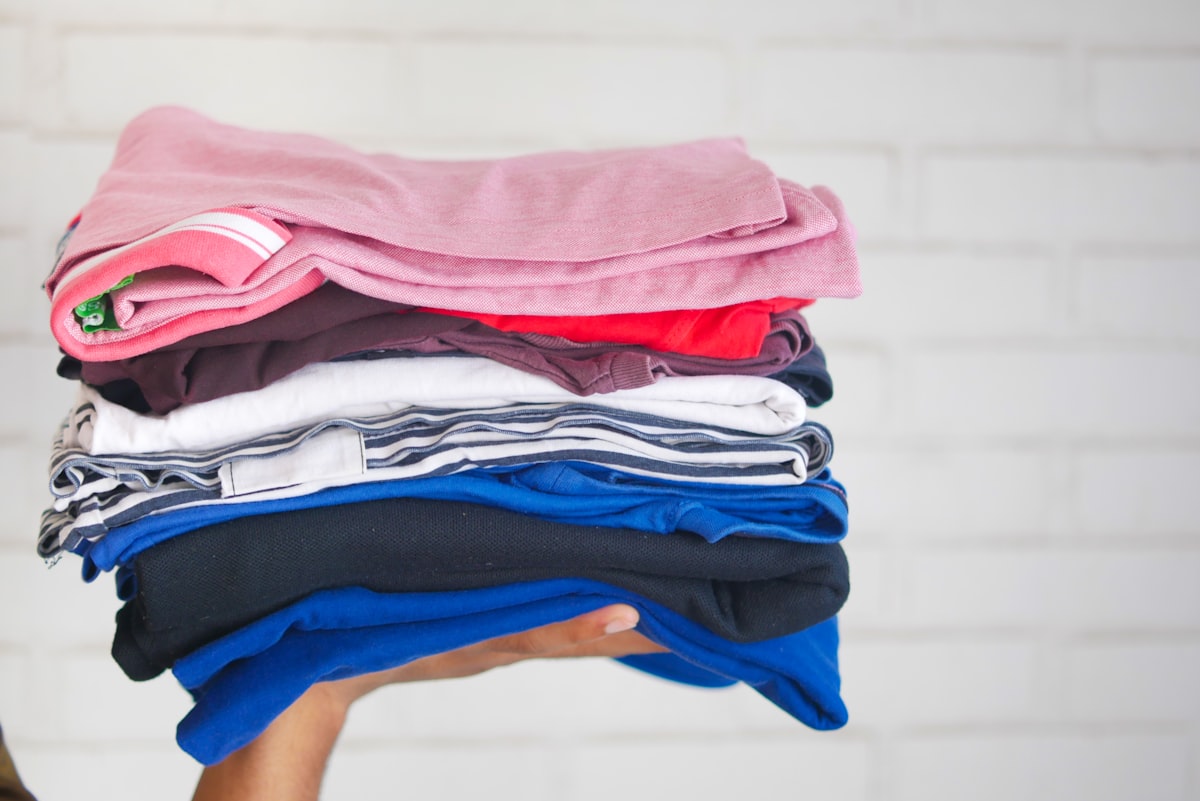
You have a laundry basket of outgrown clothes by the back door. Last winter’s snowsuit your toddler will never fit again, a stack of Hanna Andersson leggings, three pairs of barely worn Carter’s overalls, the Mini Boden dress that still has tags. You want it gone, turned into a little cash, before the next size takes over the drawers. So you search for a Kidizen bulk upload tool, expecting to dump thirty items in at once and walk away.
Here is the honest answer before you waste an afternoon hunting for it: Kidizen does not have a true bulk upload feature. You cannot select thirty photos, hit one button, and have thirty finished listings appear. The "bulk" option inside the app is for uploading multiple photos to a single listing, not for creating many listings at once. The cross listing tools that rank for this search only bulk post items you have already built somewhere else first, so the writing still happens one item at a time.
That sounds like bad news. It is not. The real bottleneck was never the upload step. It is the typing. Once you make each listing fast to write, clearing a full closet stops being a weekend project and becomes an evening on the couch. This guide shows you the per item workflow that gets you there.
Why there is no one click bulk upload on Kidizen
Kidizen is built around individual, photo led listings. Every item needs its own category, gender, exact size, brand, condition, and description, and the marketplace expects real photos of the actual garment rather than stock images. That structure is good for buyers, who are parents looking for one specific thing in one specific size, but it means there is no shortcut that skips the listing form.
The tools you found in search results, the cross listers, do bulk post to Kidizen. But read the fine print on how they work. You first build each listing inside their own dashboard, then they copy it across to Kidizen and other marketplaces. The bulk part is the copying, not the creating. You still write every title, description, and detail by hand before any of it moves. For most parents clearing a closet, that adds a layer of software without removing the slow step.
So the realistic fast path is not a magic bulk button. It is a tight, repeatable workflow for single listings, plus a way to skip the writing. Get one item down to under a minute and the math changes completely.
The fast per item workflow
Speed on Kidizen comes from doing the same small steps in the same order every time, so you never stall deciding what to type next. Here is the loop that works.
Batch the boring parts first
Before you list anything, do the repetitive physical work in one pass. Pull everything from the basket, sort by size, and check each piece for stains, pilling, and missing buttons. Lay items on a clean, solid colored surface near a window and photograph the whole batch at once, good light, flat lay, a close up of any flaw. Doing all the photos in one sitting is the closest thing to bulk that actually helps, and it means the listing step becomes pure data entry.
Write a brand first title
Kidizen buyers search by brand and size, so those two facts belong at the front of every title. The proven structure is brand, item, size, then a detail or two that helps it surface and sell.
A strong title reads like this:
Hanna Andersson Striped Long Sleeve Tee 4T EUC Smoke Free
Brand first because that is what a parent types. Size next because they are shopping for one size only. Then condition and a useful keyword. Skip filler words and emoji. If the brand is the draw, like Mini Boden, Tea Collection, Janie and Jack, Matilda Jane, or Kate Quinn, make sure it is the very first word.
Use the exact kid size code
Vague sizing kills kids’ clothing sales because a parent cannot risk guessing. Use the precise code that matches the garment tag, and match Kidizen’s own size field rather than inventing your own.
Get the format right:
- Toddler sizes use the T code: 2T, 3T, 4T
- Older kids’ sizes use a number, often with a Y for year: 5, 6, 7Y
- Ranges are written with "to," such as 5 to 6Y, never with a slash that buyers misread
- Baby sizes use months: 0 to 3M, 6 to 9M, 12M
- Note shoe sizes and any fit quirk in the description, for example "runs small, fits more like a 4"
If a piece runs large or small, say so in plain words. Fit notes like "true to size" or "generous cut" build trust and cut returns, which keeps your seller rating clean.
Pick the right condition shorthand
The resale community runs on condition acronyms, and Kidizen buyers expect them. Use the standard codes and back them up in the description so there are no surprises on arrival.
- NWT, new with tags, never worn and tags attached
- NWOT, new without tags, never worn but tags removed
- EUC, excellent used condition, lightly worn with no visible flaws, no pilling, stains, or label writing
- GUC, good used condition, worn with minor disclosed flaws like light fading, small pilling, or a faint mark
- Play condition, well loved, fine for everyday play, with all flaws spelled out
Match the code to the truth of the item. Kidizen defines EUC and GUC fairly strictly, so if there is moderate wash wear or a small stain, call it GUC and describe the flaw rather than overselling. Honest condition listings get fewer disputes and more repeat buyers.
Lead with season relevance
Kids’ clothing sells on timing. Parents shop for the season just ahead, so a snowsuit listed in September moves faster than the same suit listed in February. List coats, fleece, and long sleeves heading into fall, swimwear and shorts heading into spring, and holiday outfits four to six weeks before the date. Kidizen’s weekly hashtag features, called Hash Flashes, reward items tagged for what is in season, so a timely listing gets surfaced to more buyers at no extra cost.
Hold off ending clearly out of season pieces and relist them when their window opens. The same dress earns more in the right month.
Where the real time goes, and how to get it back
Walk through that workflow and you will notice the photos go quickly, the size and condition fields are a few taps, and then you hit the wall: writing a clean title and a full description for every single item. Researching the right keywords, phrasing the flaws, repeating the brand and size in the body the way Kidizen recommends. Listing one item by hand runs about four to six minutes once you account for the writing. Across thirty closet items, that is two to three hours of typing, and it is exactly the part that makes people abandon the basket.
This is the step worth removing. The Kidizen AI listing generator from QuickListAI writes the brand first title and the full description for you, one item at a time, and auto fills the listing fields so you are not retyping the same details into every form. You stay in control of the size, the condition, and the price. It handles the words and the form filling, which is the slow, repetitive part.
Be clear about what it is and is not. QuickListAI writes and auto fills each listing individually. It is not a bulk crosslister, a sync tool, a delister, or a sharing bot, and it does not post thirty items with one click, because Kidizen has no mechanism for that. What it does is collapse the four to six minutes of writing per item down to seconds, so going one by one through a full basket stops feeling like a chore. That is the honest version of fast on Kidizen.
A simple rhythm for clearing the whole closet
Put it together and the closet purge becomes a short routine you can repeat. Photograph the full batch in one sitting. Sort the photos by size. Then list one item at a time in a steady loop: brand first title, exact size code, honest condition shorthand, a description that repeats the key facts, a season aware launch. Let the writing be generated and the fields auto filled so each pass takes under a minute of your attention.
Thirty items stop being a wall. They become a stack you work through while something plays in the background, and the basket by the back door is empty by the time you go to bed.
Try the Kidizen AI Listing Generator
Write brand and size-aware Kidizen listings with condition, washing notes, and tags, then auto-fill each one fast. 2 free listings, no credit card required.
Add to Chrome, FreeFrequently asked questions
Not in the way most people mean. Kidizen has no feature that creates many listings from one action. The bulk option in the app uploads multiple photos to a single listing. To list a closet of items you write each listing individually, which is why a fast per item workflow matters more than hunting for a bulk button.
Cross listing tools can bulk post to Kidizen, but only items you have already built inside their dashboard first. You still write every listing by hand before it copies across. The writing is never bulk, so for a one time closet clear out the extra software often adds steps rather than removing them.
Photograph the whole batch in one sitting, then list item by item using a fixed format: brand first title, exact size code, condition shorthand, and a season aware launch. Generating the title and description and auto filling the fields, rather than typing each one, is what gets a single listing under a minute.
Use NWT for new with tags, NWOT for new without tags, EUC for excellent used with no visible flaws, GUC for good used with minor disclosed flaws, and play condition for well loved items. Always describe any flaw in the body. Kidizen defines EUC and GUC fairly strictly, so match the code to the real state of the garment.
Match the garment tag and Kidizen’s size field exactly. Use the T code for toddlers like 3T or 4T, a number or Y for older kids like 6 or 7Y, ranges with the word "to" like 5 to 6Y, and months for babies like 6 to 9M. Add a fit note if the item runs small or large.
No. QuickListAI writes and auto fills one listing at a time. It is not a crosslister, sync tool, delister, or sharing bot, and it cannot post many items at once, because Kidizen has no bulk mechanism. It speeds up the writing and form filling for each item, which is the real bottleneck when you clear a closet. [Install QuickListAI free on the Chrome Web Store](https://chromewebstore.google.com/detail/quicklist-ai-%E2%80%93-ai-listing/booekiiabelacmlpbljeemkidlgjpndn) and try it on your first few listings before you commit.