
You have a pile of clothes to get onto Vinted and a free evening that is about to disappear into it. The photos are quick. The writing is what drags: a title with the words a buyer actually types, a description that sounds like a person and not a catalogue, the brand, size, and condition fields, the hashtags that decide whether anyone sees the item at all. One listing done well takes ten minutes. Twenty items and the pile sits in the corner for another week.
So a free Vinted listing generator sounds like the fix, and it can be. The catch is that "free" covers very different tools, and which one helps depends on where your time goes. Some write you a block of text you then paste in by hand. Some turn a photo into a full draft. A few write the listing and fill the Vinted form for you. This guide sorts the free options into those buckets, explains what free usually gets you before a paywall, and shows how to test the output on real items rather than trusting a feature list.
QuickListAI sits in the write-and-fill camp, and its free tier covers your first two listings with no card required, so you can see the titles, descriptions, and fields it builds on your own clothes before you decide anything.
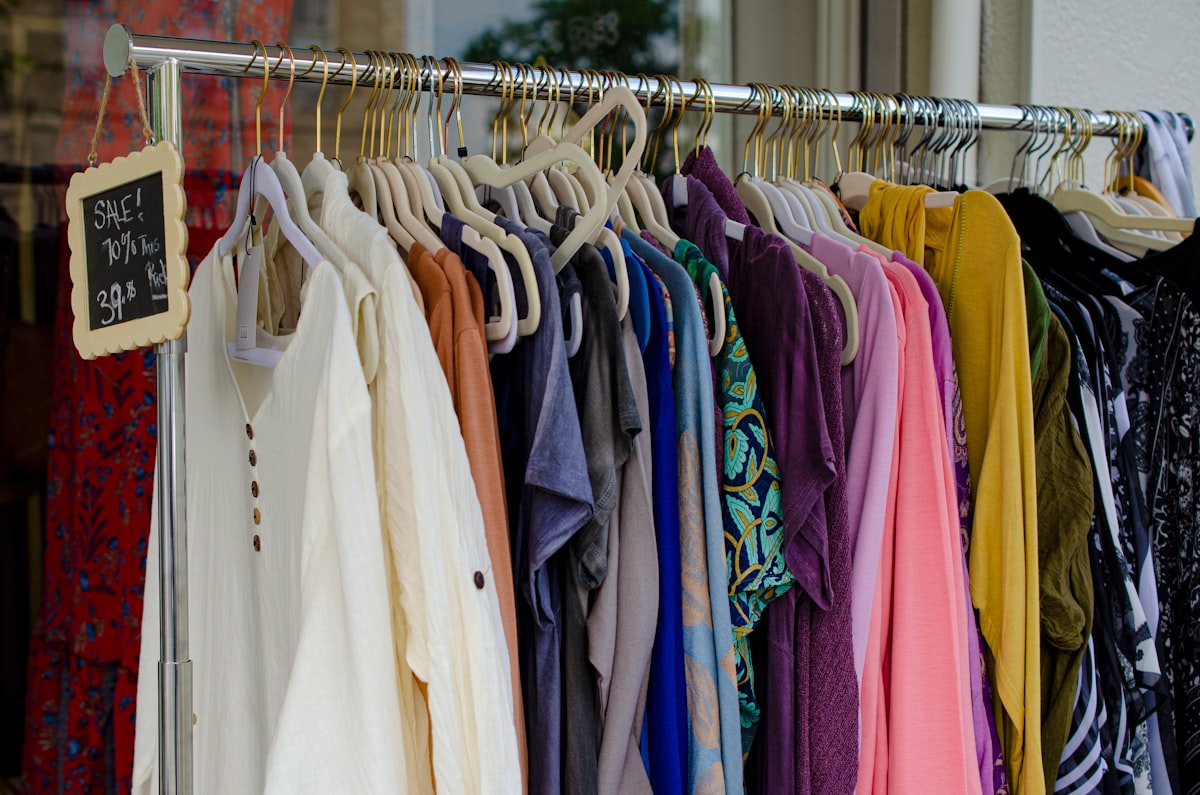
What a free Vinted listing generator actually does
Strip away the marketing and these tools share one core job: they take a few details about an item and produce the words you would otherwise type yourself. Where they differ, and where "free" starts to mean different things, is how much of the listing they finish and how much you still do by hand.
A Vinted listing has more moving parts than people expect. The title carries the search terms. The description has to read casually, because Vinted buyers respond to honest, plain language rather than polished sales copy. Then come the structured fields, brand, category, size, condition, colour, and the hashtags, which on a browse-and-search marketplace are how a lot of items get found at all. A generator that writes a tidy paragraph but ignores the title, the fields, and the hashtags has done only part of the work. So the first thing to check is not whether a tool writes "good descriptions," but whether it produces the whole listing or just the easy middle of it.
The free options, honestly compared
Search "free Vinted listing generator" and the results fall into three groups. They look similar on a landing page and they solve noticeably different amounts of your problem.
Copy-paste description writers
These are the most common free tools. You type a few details, the AI writes a title and description, and you copy them into Vinted yourself. They are genuinely useful for the blank-page problem, and many have no signup and no daily cap, so the "free" really is free.
Their limit is the part they leave to you. You still set the brand, size, condition, and colour fields by hand, still add the hashtags, and still paste each block into the form. For a handful of listings that is fine. For twenty, the copy-paste and field-tapping is most of the time you were trying to save.
Photo-to-listing writers
A step up, these take a photo, try to identify the item, then generate a title, description, and hashtags from the image. When recognition is right, this beats typing details, because the tool reads the brand and category off the picture. Two honest caveats: recognition is not perfect, so you check and correct it on brand and exact size, and several still hand you text to paste rather than filling the form, so the photo step is quicker but the finishing step is the same manual job.
Write-and-auto-fill tools
The narrowest group, and for a regular seller usually the most useful, writes the listing and then fills it into the Vinted form through a browser extension, so there is little or no copy-paste. A few free tools and trials do this now, QuickListAI among them, and auto-fill is not unique to any one of them. What separates them is the quality of what gets written and how many marketplaces they cover. A tool that only knows Vinted writes you a Vinted listing. A tool built across marketplaces writes the same item for Depop, Mercari, or eBay too, which is where the time saving compounds.
To be precise about what QuickListAI is and is not: it is a desktop Chrome extension that writes your Vinted title, description, brand, size, condition, colour, and hashtags, then auto-fills them on vinted.com, across 10 marketplaces. It is not a crosslister that syncs inventory, not an auto-delist tool, and not a bump or auto-buy bot. Our Vinted AI listing generator page walks through exactly how that output is built.
How to compare free Vinted tools
When two tools both say "free," three questions tell you which Vinted listing tool actually saves you time.
Does it finish the listing or just the description? A free paragraph is the easy part. The minutes hide in the title, the brand and size fields, the hashtags, and the copy-paste, so check how much is left for you after the tool runs.
Does it understand Vinted, and where does free stop? A generic generator that knows nothing about Vinted’s casual tone produces filler that reads like an ad. And free means different things: no cap, a fixed number of lifetime listings, or a short trial. Know which before you build a habit around it.
Does it work where you sell? If Vinted is your only marketplace, a Vinted-only tool is fine. If you also list on Depop, Mercari, or eBay, one tool that writes and fills across all of them beats four separate single-marketplace tools.
Why "free" matters on Vinted specifically
Vinted removed seller fees for private sellers, which is a big part of why so many people list here casually rather than as a business. That same casual seller is the one who balks at a monthly subscription just to write listings. If you are clearing out a wardrobe or selling twenty items a month, a recurring fee to describe them does not add up, and "free Vinted listing generator" is exactly the right search.
The honest framing is this: free should let you test the real work, not a watered-down preview. A tool that writes one teaser line and then asks for payment has told you nothing about whether its full output is any good. That is why QuickListAI’s free tier is two complete listings rather than a demo. Two finished listings, written and auto-filled on Vinted, are enough to judge the writing against what you would have produced yourself and to feel the difference between filling a form and watching it fill.
So which free Vinted listing generator should you use
If your bottleneck is the blank description box and you list only a few items, a free copy-paste writer with no cap costs nothing and does the job. Prefer starting from a photo? A photo-to-listing tool is quicker, as long as you check the brand and size it guesses. And if you list regularly, or across more than one marketplace, a write-and-auto-fill tool saves the most, because it removes the field entry and copy-paste that eat the real minutes. For most Vinted sellers the writing and the form-filling are the whole bottleneck, and finishing both is what gets the pile cleared.
When you want every listing written with a keyword-led title, a casual description, the right fields, and hashtags, then filled into Vinted without the copy-paste, install QuickListAI free on the Chrome Web Store. Your first two listings are free with no card, so you can see the work it does on your own clothes first.
Try the Vinted AI Listing Generator
Generate keyword-rich Vinted titles and descriptions that get found in search, then auto-fill them. 2 free listings, no credit card required.
Add to Chrome, FreeFrequently asked questions
It depends on where your time goes. If you only need the description written, a free copy-paste writer with no cap is enough. If you list regularly or across several marketplaces, a tool that writes and auto-fills the whole listing saves more. QuickListAI writes and fills your Vinted title, description, fields, and hashtags, with the first two listings free, so you can test the output before paying.
Both exist, which is why it pays to check. Some tools are free with no daily limit, some give a fixed number of lifetime listings, and some are short trials before a subscription. The useful test is whether free lets you complete real listings, fields and hashtags included, rather than showing a single teaser line.
It varies. Many free generators write a title and description that you paste into Vinted and finish by hand. A smaller group, including QuickListAI, uses a browser extension to auto-fill the listing on vinted.com, so there is little or no copy-paste. An AI Vinted lister that fills the form is not the only kind, so compare writing quality and marketplace coverage too.
A good one will, because Vinted buyers respond to casual, honest language, not polished sales copy. The risk is a generic generator that writes like a product ad. Look for a tool built for Vinted, and always read the draft before posting so the tone and details match your item.
No. QuickListAI is not a crosslister, inventory sync, or bump bot, and it does not auto-buy or auto-delist. It is an AI writer that produces your Vinted title, description, brand, size, condition, colour, and hashtags and auto-fills them on vinted.com. It removes the writing and data entry, across 10 marketplaces, not the selling strategy.
The free tier covers your first two listings with no card required, each a full title, description, fields, and hashtags written and auto-filled on Vinted. That is enough to list a couple of real items and judge the writing against what you would have produced by hand.