
You have one line to win the search. A buyer types "Lululemon Align leggings black 6" into Poshmark, scrolls a feed of near identical items, and decides in about a second which thumbnails to tap. Your title is what gets you into that feed in the first place, and then what earns the tap once you are there. Get the order of words right and the same item that was buried on page nine starts showing up where people actually look.
This guide gives you one repeatable formula, the worked examples to copy it across any category, and the title mistakes that quietly bleed your views. No tricks, no keyword stuffing. Just the structure Poshmark search rewards.
The short version: lead with the brand, name the exact item, stack the attributes a buyer would type, and spend your characters before you run out of room.
The Poshmark title formula
Here is the structure. Read it left to right, because that is the order a shopper types and the order Poshmark reads.
Brand + Item + Key attributes + Keywords
Broken out, the five parts are:
- Brand. The single most searched element. Put it first, spelled exactly the way the brand spells it.
- Item. The plain name of the thing. Leggings, blazer, sneakers, crossbody bag.
- Key attributes. The specifics a buyer filters on. Color, size, material, style or fit.
- Keywords. The extra terms people actually search. Style names, a model, an occasion, a season.
- Within the limit. Everything above has to fit inside Poshmark’s 80 character title field, with the words that matter most sitting up front.
So the working template looks like this:
`[Brand] [Item] [Color] [Size] [Material or Style] [Search keyword]`
You will not always use every slot, and you should not force it. A title that reads like a human wrote it will always beat one crammed with every word you could think of. The job is to cover what a buyer would type, in the order they would type it, and stop.
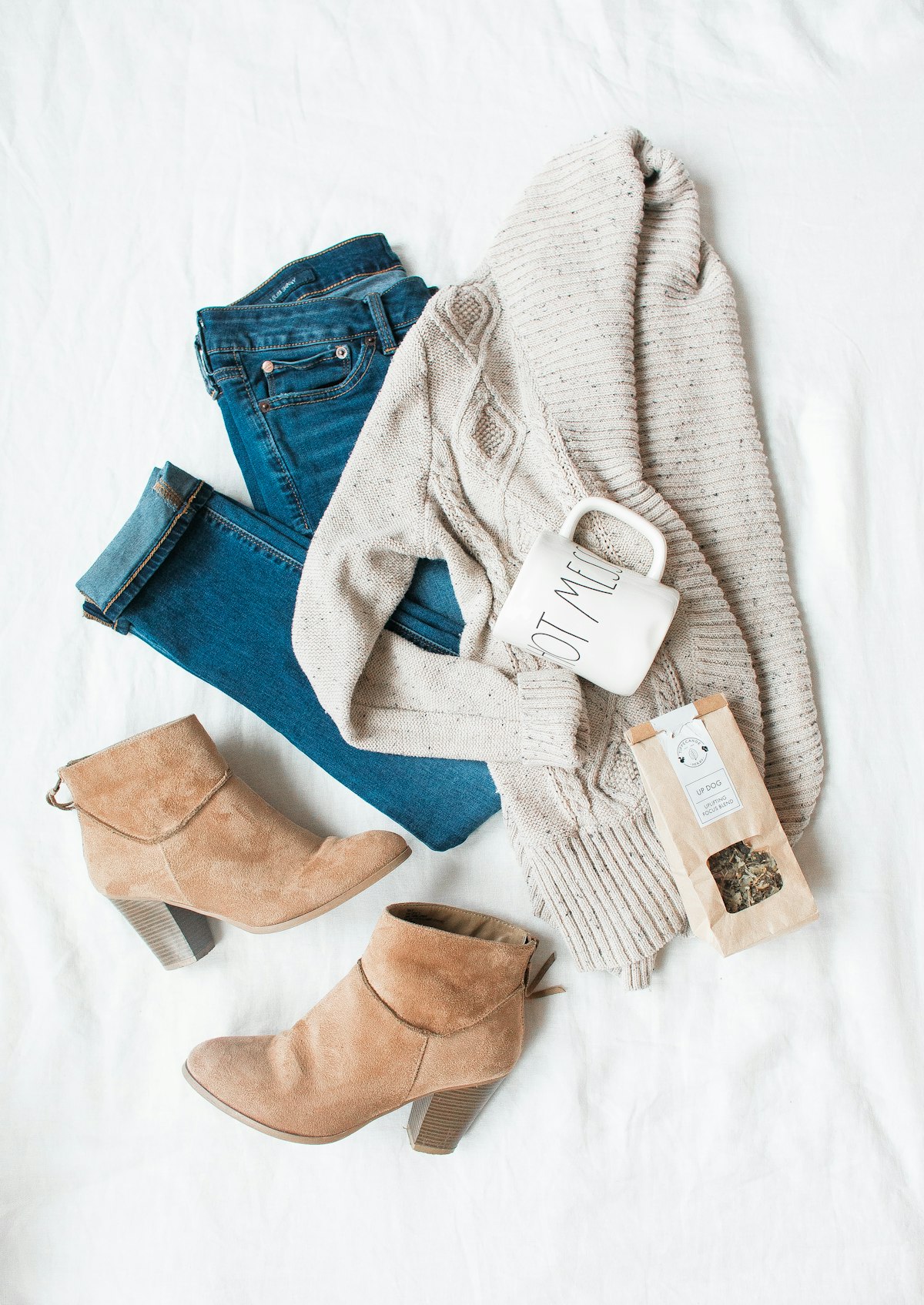
Why brand goes first
Most Poshmark searches start with a brand, because most buyers are loyal to brands they already trust. When someone searches "Madewell jeans," the listings that open with "Madewell" read as the most relevant match, both to the shopper skimming the feed and to the search that built it. Burying the brand in the middle of a sentence is the most common way sellers lose visibility they had every right to.
There is a second reason. Poshmark’s search has gotten better at reading context, not just exact matches, but it still weights the front of your title heavily. The first words carry the most ranking signal, so they should be the ones a buyer is most likely to type.
Why the order of the rest matters
After the brand, work outward from what a buyer searches most to least. Item type and color come early because almost everyone includes them. Size belongs in the core of the title, not tacked on at the end, because anyone who needs a fit searches it. Material, style names, and seasonal terms come last. They are the bonus keywords that catch specific searches without crowding out the essentials.
The 80 character limit, and the catch most guides miss
Poshmark gives you 80 characters for a title. That is the real number the sell form enforces today, the same allowance you get on eBay and Mercari. You will see older posts claim 50, and that single wrong figure costs sellers a third of their title. Use the full 80.
Here is the catch. Poshmark is mobile first, and on a phone the feed shows only the first 40 to 50 characters of your title before it cuts off with an ellipsis. So both numbers are true. The field holds 80 for search to index. The part a scrolling buyer reads is the first 40 or so.
That is exactly why the formula front loads the brand and core attributes. You spend all 80 characters so search has the full picture, while the words that earn the tap live in the first 40, where a thumb on a phone will see them.
Worked examples
The formula is easier to trust once you see it run across different items. Each of these sits inside 80 characters and leads with what a buyer would type.
Activewear
`Lululemon Align High Rise Leggings Black Size 6 Buttery Soft Yoga`
Brand first, exact style name (Align, High Rise), item, color, size, then two keywords a shopper might add (buttery soft, yoga). A buyer searching any of those phrases can land on this.
Denim
`Levis 501 Original Straight Jeans Medium Wash Size 29 Vintage Fit`
The brand and the model number (501) do the heavy lifting, because denim buyers search by cut and number. Wash, size, and the "vintage" keyword round it out.
Designer handbag
`Coach Willow Crossbody Bag Tan Leather Pebbled Gold Hardware Small`
Brand, line name (Willow), item, color, material, plus the details collectors search. With no size needed, that slot becomes another attribute.
Sneakers
`Nike Air Force 1 Low White Womens Size 8 Triple White Sneakers`
Brand, model, colorway, size, and the term "triple white" that fans of the shoe actually type.
Outerwear
`Madewell Wool Blend Coat Camel Size M Oversized Fall Winter Cozy`
Brand, material, item, color, size, then seasonal keywords (fall, winter) for shoppers browsing by weather.
Notice what none of these do. No emojis, no "super cute," no rows of stars or fire symbols. Every word pulls its weight as something a buyer would type.
The title mistakes that kill your views
Most lost views do not come from bad items. They come from titles that fight the search instead of feeding it. These are the ones that do the most damage.
Leading with filler instead of the brand
"Gorgeous cozy must have leggings" tells search nothing and wastes the most valuable real estate you have. If the brand is not in the first few words, you are invisible to the people most likely to buy. Lead with the brand, every time.
Emojis and special characters
Emojis read as unknown characters to search and break up your keyword sequence. They also push real keywords past the visible cutoff on mobile. They feel friendly, but they cost you visibility in filtered searches and clutter the line. Plain text wins.
Keyword stuffing
Cramming every possible term into one title backfires. It reads as spam to buyers and can trip Poshmark’s own filters for listings that look like they are gaming search. A stuffed title also buries your real keywords in noise. Use the words a buyer would genuinely type, and no more.
Skipping the obvious attributes
Leaving out size, color, or the exact style name means you miss every search that includes them, which is most of them. The specifics are not optional detail, they are the searches themselves. If your item has a model name or number, it belongs in the title.
Typos and guesswork
A misspelled brand or model quietly removes you from the exact searches you most want to win, because the search bar matches what people type, not what you meant. Spell the brand the way the brand spells it, and check the style name before you publish.
Write the title once, then fill it everywhere
The formula is simple to state and tedious to do well a hundred times, especially when you are also writing the description, picking the category, and listing across other marketplaces. That is the part worth speeding up.
QuickListAI’s Poshmark listing generator reads your item, writes a brand led, attribute rich title and a full description, then auto fills them straight into the Poshmark listing form. It writes and fills the listing for you. It is not a crosslister, so it does not sync, delist, or share and bump your closet. It handles the writing and the data entry, which is where the formula above turns from a rule you remember into a title you ship.
You can add QuickListAI to Chrome free and test it on your next listing in a couple of minutes.
Try the Poshmark AI Listing Generator
Generate Poshmark titles, descriptions, and style tags in seconds, then auto-fill them on the listing form. 2 free listings, no credit card required.
Add to Chrome, FreeFrequently asked questions
Poshmark allows 80 characters in the listing title, and that is the figure the sell form enforces today. Some older guides still say 50, which is outdated and leaves a third of your title unused. The nuance is that mobile feeds show only about the first 40 to 50 characters before truncating, so use all 80 for search while keeping your most important words up front.
Lead with the brand, then the item type, then the key attributes a buyer filters on like color, size, and material, then any extra search keywords such as a style name or season. Written out it is brand, item, key attributes, keywords, all inside 80 characters. The order matters because it mirrors how shoppers type and how Poshmark weights the front of your title.
Yes. The brand is the single most searched element on Poshmark, since most buyers shop the labels they already trust. Placing it first signals relevance to both the shopper and the search, and it keeps the brand inside the visible portion of the title on mobile. Burying the brand mid sentence is one of the most common ways sellers lose easy visibility.
They do, because the title is one of the strongest signals Poshmark search uses to match a listing to a query. Relevant keywords like style names, colors, and materials widen the set of searches your item can appear in. The limit is relevance. Stuffing unrelated or trending terms reads as spam and risks being flagged, so include only words a real buyer would type.
It is better not to. Emojis and special characters read as unknown symbols to search, interrupt your keyword sequence, and can push real keywords past the point where mobile cuts the title off. They also make the listing look cluttered in a feed of clean titles. Plain, readable text consistently performs better in search and looks more trustworthy to buyers.
The title is the tight, keyword dense line that gets you into search results and earns the tap, capped at 80 characters. The description is the longer space below it where you repeat your key terms, add condition, measurements, and flaws, and answer the questions a buyer would ask. A strong listing uses the title to get found and the description to close the sale, with your main keywords appearing in both.